

DSC Registration & Digital Signature Certificate Services in Chennai
Need a DSC in Chennai for MCA filing, GST, Income Tax, DGFT, e-tendering or another online government service? Aanoor Global provides Digital Signature Certificate (DSC) registration and support for companies, LLPs, directors, partners, proprietors, professionals and authorised signatories.
We help you identify the appropriate DSC requirement, prepare the application details, complete the applicable verification process, configure the USB token and register the certificate on the required portal. Whether you need a new DSC, Class 3 DSC, DGFT DSC, DSC renewal or help with a certificate that is not being detected, our team can guide you through the process.
Need to know which DSC you need? Start with a requirement check before purchasing.
Obtaining a Digital Signature Certificate (DSC) makes it easier for businesses, directors, professionals, and authorised signatories to complete online government filings and digitally sign important documents. Whether you are registering a new company, filing MCA forms, submitting GST returns, completing Income Tax filings, applying through DGFT, or participating in e-tenders, having the appropriate DSC helps you complete digital transactions securely. From Class 3 DSC applications and USB token setup to certificate renewal and portal registration, businesses can choose the appropriate digital signature based on their specific requirements.
Aanoor Global helps entrepreneurs, startups, companies, LLPs, directors, and professionals with DSC Registration in Chennai, providing professional assistance with Digital Signature Certificate applications, Class 3 DSC selection, document preparation, identity verification, certificate issuance, and USB token configuration. We also assist with DSC registration on MCA, GST, Income Tax, and DGFT portals, e-tender DSC requirements, certificate renewal, expiry checks, and technical troubleshooting to help you complete your digital filings with confidence. DSC issuance, validity, and verification requirements are subject to the applicable Certifying Authority and government portal guidelines.
Based on 350+ trust reviews
Quick Facts About DSC
| Particular | Details |
|---|---|
| Full Form | Digital Signature Certificate |
| Common Search Term | DSC |
| Purpose | Electronic authentication and digital signing |
| Issued By | Licensed Certifying Authorities |
| Common Uses | MCA, GST, Income Tax, DGFT, e-tenders and other supported portals |
| Common Certificate Class | Class 1, Class 2 and Class 3 under the CCA framework |
| Class 3 | Higher-assurance certificate category with hardware-protected private key |
| Storage | Hardware cryptographic device where required |
| Renewal | Required when certificate expires or replacement is needed |
| Portal Registration | May be required separately after certificate issuance |
| Chennai Service | Online DSC application, renewal, token and portal support |
Important: The appropriate DSC depends on the portal, transaction and applicant category. A higher certificate class is not automatically required for every application.
Quick Answer: What Is DSC Registration?
DSC registration is the process of obtaining a valid Digital Signature Certificate from a Certifying Authority and registering it with the online portal where the certificate will be used. A DSC acts as an electronic credential for authentication and digital signing.
For example, the Income Tax e-Filing portal provides a Register DSC facility and allows users to register, re-register an expired DSC or update an existing registered DSC. The requirement varies according to the portal and service — GST guidance states that digital signing using DSC is mandatory in specified cases such as LLPs and companies for the referenced GST enrolment workflow.
What Is a Digital Signature Certificate?
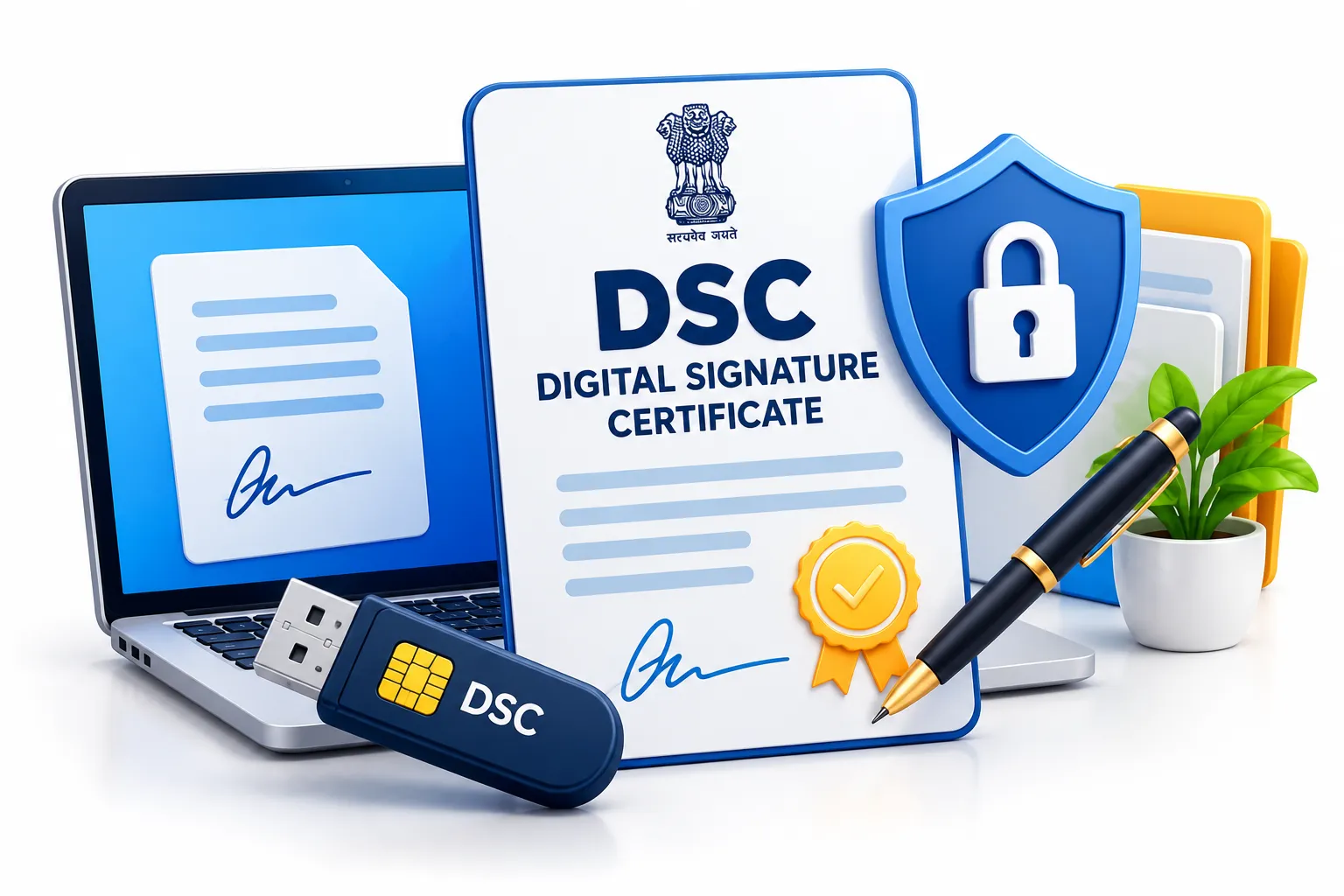
A Digital Signature Certificate (DSC) is an electronic certificate used to authenticate the identity of an individual or organisation and digitally sign supported electronic documents or transactions. Instead of printing, physically signing and scanning a document, an authorised user can digitally sign it through a compatible system.
A DSC can help establish:
The Controller of Certifying Authorities (CCA) provides the framework for Digital Signature Certificates and specifies certificate-class requirements in India.
Why Do Businesses Need a DSC?
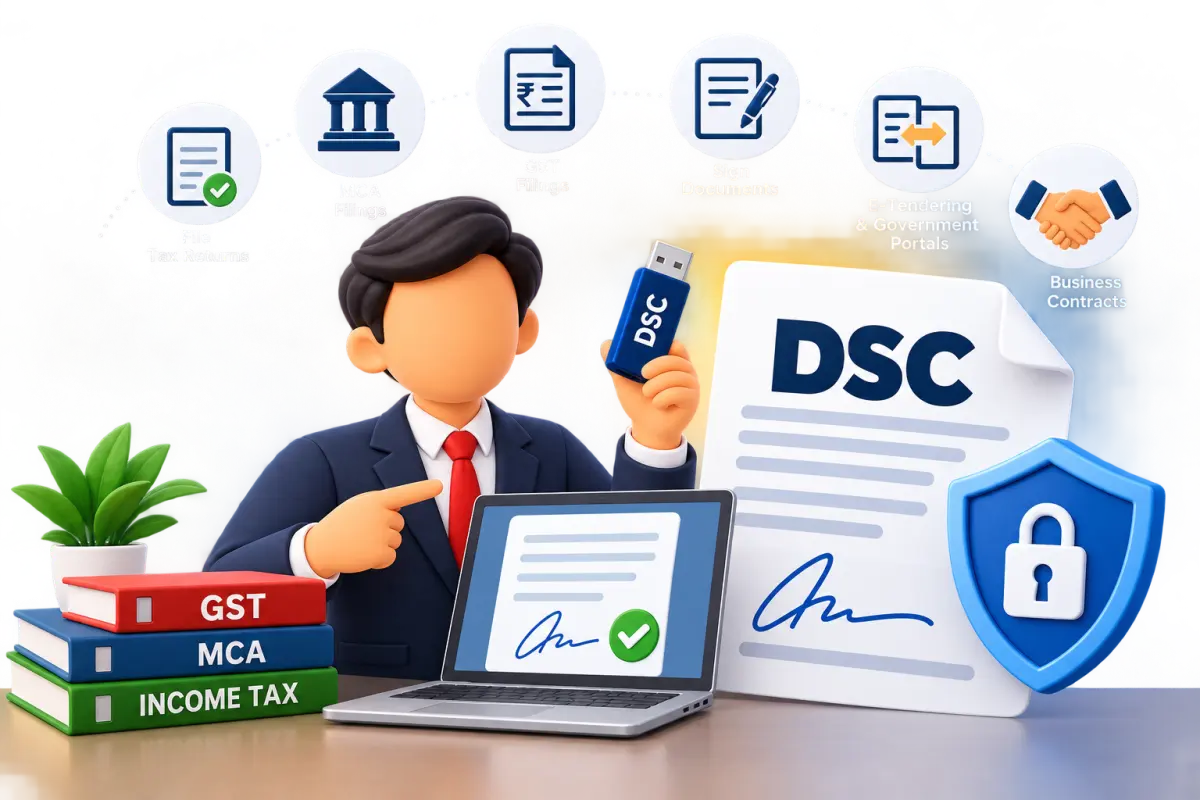
Digital signatures are used in many online business and statutory processes. Depending on the application, DSC may be required for:
The exact requirement should always be checked against the current portal instructions.
Who Needs a DSC?

A DSC may be required by:
Private Limited Companies
Directors or authorised signatories may need DSCs for applicable MCA, tax, GST or other digital filings.
LLPs
Designated partners may require DSCs for applicable LLP and statutory filings.
Directors
A director may need a DSC for signing MCA forms and other online submissions.
Partners
Partners may require a DSC depending on the portal and transaction.
Proprietors
A proprietor may need a DSC for DGFT, tenders, Income Tax or other services where digital signing is required.
Tax Professionals
Chartered accountants, tax professionals and authorised representatives may use DSCs for applicable filings.
Importers and Exporters
Businesses using DGFT services may need a DSC that meets the relevant DGFT requirements.
Tender Applicants
Contractors, suppliers and businesses participating in e-tenders may require a valid DSC.
DSC Requirements by Business Structure
The person who needs to sign and the certificate configuration depend on the specific application.
Types and Classes of DSC
The CCA currently identifies Class 1, Class 2 and Class 3 Digital Signature Certificates.
Class 1 DSC
Class 1 has specified identity-verification requirements, and its private key may be generated and stored in software under the CCA framework.
Class 2 DSC
Class 2 has higher verification requirements and requires private-key generation and storage in a compliant hardware cryptographic device.
Class 3 DSC
Class 3 has higher assurance requirements and requires the private key to be generated and stored in a compliant hardware cryptographic device. Class 3 may be relevant for applications where a higher-assurance certificate is specified.
Class 3A and Class 3B DSC: What Should You Know?
You may see searches for Class 3A DSC, Class 3B DSC, 3A DSC and 3B DSC. However, these should not be presented as separate official CCA certificate classes. The current CCA classification identifies Class 1 → Class 2 → Class 3. Some vendors may use additional product terminology to distinguish signing, signing + encryption, individual, organisation, DGFT and other product configurations.
Therefore, when purchasing a DSC, ask the provider:
This is more useful than choosing a DSC solely because it is advertised as "3A" or "3B."
DSC for MCA Filing
A DSC may be required by directors, designated partners and authorised persons for applicable MCA and LLP filings. Common areas include:
The actual signing requirement depends on the particular MCA form and signatory.
DSC for GST
GST uses digital signing for applicable taxpayers and services. The GST portal's official guidance states that DSC is mandatory in specified cases including LLPs and companies for the referenced application workflow. DSC may be relevant for:
The exact method depends on the taxpayer category and GST service.
DSC for Income Tax
The Income Tax e-Filing portal provides a dedicated Register DSC service. DSC may be used for:
The Income Tax Department states that users can register a DSC and re-register it when it expires or when they want to update the registered certificate. For company e-Filing registration, the Income Tax Department requires the company's active PAN and the DSC of the Principal Contact to be registered for the specified PAN.
DSC for DGFT and Import-Export Businesses
Businesses involved in import and export activities may need a DGFT DSC for digitally signed applications and transactions. DGFT provides a dedicated process for registering a DSC through its portal.
Step 1
Log in to the DGFT portal.
Step 2
Link or access the relevant IEC/application.
Step 3
Go to My Dashboard → View and Register Digital Signature Token.
Step 4
Install the required token drivers/utilities.
Step 5
Select Register New DSC.
Step 6
Select the applicable certificate.
Step 7
Enter the token password.
Step 8
Complete the digital signing process.
DGFT DSC May Be Relevant For
IEC-related applications
IEC modification
Export/import applications
Authorisations
DGFT submissions
Other digitally signed DGFT activities
Important DGFT Requirement: Do not assume that a generic DSC will automatically satisfy every DGFT requirement. Before purchasing a DGFT DSC, check IEC status, applicant type, organisation/proprietorship structure, required certificate type, IEC linkage/embedding requirement where applicable, token requirement and current DGFT portal instructions.
DSC for E-Tenders
A DSC may be required for participating in online tenders. It can be used for:
Tender requirements vary. Before purchasing a DSC for a tender, check the tender portal, certificate requirement, signatory requirement, certificate validity, token requirement and any organisation-specific requirement.
Documents Required for DSC Registration
The exact documents depend on the Certifying Authority, certificate type and applicant category.
Individual Applicant
PAN
Aadhaar or accepted identity information
Mobile number
Email ID
Address information
Verification details
Photograph/video verification where applicable
Company / Organisation
Organisation PAN
Applicant PAN
Authorised signatory details
Organisation details
Authorisation documents where required
Email ID
Mobile number
Director / Partner
PAN
Identity details
Organisation details
DIN/DPIN where relevant
Authorisation information where required
Always confirm the current document requirements with the selected Certifying Authority before submitting the application.
DSC Registration Process in Chennai
Step 1 — Identify the Purpose
First identify where you will use the certificate: MCA, GST, Income Tax, DGFT, e-tender, government portal or other business application.
Step 2 — Identify the Signatory
Determine who actually needs to sign.
Step 3 — Confirm Certificate Requirement
Check the applicable certificate class and signing configuration.
Step 4 — Prepare Documents
Keep the required identity, PAN, organisation and contact details ready.
Step 5 — Complete Verification
Complete the verification method specified by the Certifying Authority.
Step 6 — Certificate Issuance
After successful verification, the certificate is issued according to the provider's process.
Step 7 — Configure the Token
Where required, install the token driver and connect the USB token.
Step 8 — Register DSC on the Portal
A DSC certificate and portal registration are separate steps where the portal requires registration.
Step 9 — Test Before Filing
Check that the certificate is detected, valid, shows the correct signatory, the token works, the PIN works, and portal registration is complete.
How to Register DSC on the Income Tax Portal
Step 1
Log in to the Income Tax e-Filing portal.
Step 2
Open My Profile.
Step 3
Select Register DSC.
Step 4
Install the required DSC signing utility.
Step 5
Connect the DSC USB token.
Step 6
Select the provider and certificate.
Step 7
Enter the token/provider password.
Step 8
Complete the signing process.
The Income Tax Department currently states that the DSC USB token should contain a Class 2 or Class 3 certificate for this registration workflow and that the emSigner/emBridge utility is required. The portal also supports re-registration when a registered DSC expires or when the user wants to update it.
Indicative DSC Cost in Chennai – 2026
DSC pricing varies by Certifying Authority, certificate configuration, validity, token and service package.
These are indicative market ranges, not fixed Aanoor Global fees. The actual price can vary depending on Certifying Authority, certificate class, validity, signing/encryption configuration, individual or organisation certificate, DGFT requirement, USB token, GST, delivery and professional assistance. Some providers include the USB token and GST, while others charge separately.
Before You Compare DSC Prices
Ask whether the quoted price includes:
The cheapest DSC is not necessarily the correct DSC for your requirement.
DSC Token Price in Chennai
A USB cryptographic token may be required to securely store the private key. If the token is not included in the DSC package, an additional cost may apply. Indicative USB token range: ₹500–₹1,500. The actual amount depends on the token model and provider.
Always check whether the token is already included before comparing DSC packages.
Typical DSC Registration Timeline
A straightforward application can often be completed quickly after successful verification.
These are indicative service ranges, not guaranteed timelines. Actual time can depend on Certifying Authority, verification method, documentation, applicant response, technical issues, token delivery location and portal configuration. If you have an MCA, GST, Income Tax, DGFT or tender deadline, start the DSC process before the final filing date.
DSC Validity and Expiry Check
Before an important filing, check whether your DSC is still valid.
Check These Details
Certificate holder name
Issuing Certifying Authority
Certificate serial number
Valid-from date
Expiry date
Certificate status
Token status
When Should You Check DSC Validity?
MCA filing
GST filing
Income Tax filing
DGFT application
E-tender submission
Annual compliance
Director-related filing
What Happens When DSC Expires?
An expired DSC cannot be used for a transaction that requires a valid certificate. The Income Tax portal specifically supports re-registration of an expired DSC. If a certificate needs to be replaced, obtain a valid certificate and complete the relevant portal registration again.
DSC Renewal in Chennai
You may need renewal or replacement when:
Before Expiry: Add the DSC expiry date to your compliance calendar. Ideally, start the renewal/replacement process before a major filing deadline.
DSC Renewal vs New DSC
The exact action depends on the certificate provider and portal.
DSC USB Token and Security
A DSC token contains or protects sensitive signing credentials. Never:
Protect Your DSC: treat the DSC token and PIN as important business credentials. The Income Tax Department's guidance confirms that the DSC token uses a provider password/PIN for signing.
Penalties for DSC Misuse
Misuse of another person's electronic signature credentials can create legal consequences. Under the Information Technology Act, Section 66C addresses fraudulent or dishonest use of another person's electronic signature, password or unique identification feature. Section 66D addresses cheating by personation using a communication device or computer resource. The specified offences carry imprisonment of up to three years and fines up to ₹1 lakh under those sections.
These provisions concern specified unlawful conduct; they do not mean that every DSC error or accidental misuse automatically constitutes an offence.
Practical Rule: Never share your DSC PIN or allow an unauthorised person to use your digital-signing credentials.
Common DSC Problems and Solutions
DSC Not Detected
Possible causes: USB token not connected, driver not installed, signing utility issue, browser/system issue, token malfunction. Solution: check the token driver, signing utility, certificate and USB connection.
DSC Expired
An expired certificate cannot be used where a valid certificate is required. Solution: obtain a valid replacement/renewal and re-register it on the relevant portal.
PAN Mismatch
A portal may reject the DSC when certificate information does not match the expected PAN or user information. The Income Tax Department specifically documents PAN mismatch scenarios in its DSC guidance.
DSC Already Registered
This can occur when the certificate is already registered against another taxpayer/profile. Check PAN, certificate owner, user account, existing registration and correct signatory.
DSC Works on One Portal but Not Another
Different portals may have different technical and certificate requirements. A DSC working on one portal does not automatically guarantee compatibility with every other portal.
Common DSC Registration Mistakes
DSC for Startups and New Companies
A new company may require DSCs during incorporation and subsequent compliance. Possible uses include:
For new companies, identify the proposed signatories early so that DSC availability does not delay statutory filings.
DSC for Private Limited Companies
A private limited company may need DSCs for directors or authorised signatories depending on the filing. Common requirements include:
For Income Tax company registration, the Department currently requires a valid active company PAN and a registered DSC of the Principal Contact.
DSC for LLPs
LLPs commonly use DSCs for applicable MCA/LLP and tax-related digital filings. GST's official guidance states that digital signing using DSC is mandatory for LLPs and companies in the referenced GST enrolment workflow. Designated partners should ensure that their DSC is:
DSC for GST, MCA, Income Tax and DGFT
Always check the current requirements of the specific portal before purchasing a certificate.
DSC Near Me in Chennai
Searching for "DSC near me", "DSC services near me" or "digital signature near me" does not necessarily mean you need to visit a physical office. Much of the DSC application, verification and registration process can be completed online, depending on the provider and verification method.
Aanoor Global provides DSC support for businesses and professionals across Chennai, including T. Nagar, Anna Nagar, Nungambakkam, Guindy, Adyar, Mylapore, Velachery, Porur, OMR, Perungudi, Sholinganallur, Ambattur, Tambaram, Chromepet, Mogappair, Vadapalani, Kilpauk, Egmore and Perambur.
If you are looking for DSC registration near me in Chennai, we can first identify the correct requirement before you purchase a certificate.
Illustrative Chennai Example
Illustrative example — not a client testimonial. A Chennai private limited company has an MCA filing approaching, but the director's DSC has expired. Before purchasing a replacement, the company checks:
The company then obtains the appropriate certificate, completes the required verification and registers the DSC on the relevant portals before filing. Key Lesson: DSC should be checked before the filing deadline, not on the day of filing.
DSC Requirement Checklist
Applicant
PAN available
Identity information available
Mobile number active
Email ID active
Correct signatory identified
Business
Company/LLP/proprietorship details available
CIN/LLPIN or relevant identifier
Authorisation details where required
Correct organisation information
Certificate
Intended portal identified
Certificate class confirmed
Signing/encryption requirement checked
Individual/organisation requirement checked
DGFT requirement checked where applicable
Validity period selected
Token & Registration
USB token requirement checked
Token driver available
Signing utility installed
DSC PIN available
Portal registration completed
Certificate tested
Frequently Asked Questions
Q1 What is DSC?
DSC stands for Digital Signature Certificate. It is an electronic certificate used to authenticate a user and digitally sign supported electronic transactions.
Q2 What is DSC used for?
DSC may be used for MCA, GST, Income Tax, DGFT, e-tenders and other supported online services.
Q3 Is DSC mandatory for every business?
No. The requirement depends on the portal, transaction and user category.
Q4 What is Class 3 DSC?
Class 3 is a higher-assurance certificate class under the CCA framework, with hardware-based private-key protection requirements.
Q5 Is Class 3 DSC mandatory for all companies?
No. The applicable certificate depends on the service and portal requirement.
Q6 Are Class 3A and Class 3B official CCA classes?
The current CCA classification lists Class 1, Class 2 and Class 3. Vendor/product terminology such as 3A or 3B should not automatically be treated as official CCA classes.
Q7 Can I use one DSC on multiple portals?
In some situations, yes. For example, the Income Tax Department states that a specified valid Class 2 or Class 3 DSC used for another application can be used for e-Filing if it has not expired or been revoked. However, each portal may require separate registration or configuration.
Q8 How much does DSC cost in Chennai?
Indicative market pricing can range from approximately ₹1,200 to ₹4,500+, depending on certificate type, validity, organisation requirements, DGFT use and token/package inclusions.
Q9 How much is a DSC USB token?
An additional USB token may typically cost around ₹500–₹1,500, depending on the model and provider.
Q10 How long does DSC registration take?
Straightforward applications may be completed the same day after successful verification. Token delivery can take additional time. Actual timing depends on the Certifying Authority and verification process.
Q11 How do I register DSC on Income Tax?
Log in to the Income Tax e-Filing portal, open My Profile → Register DSC, install the required utility, connect the token and complete the signing process.
Q12 What happens if my DSC expires?
You need to obtain or renew a valid certificate and re-register it on portals that require registration.
Q13 Can I use DSC for DGFT?
Yes, where the DGFT service requires digital signing. DGFT provides a specific DSC registration workflow through its portal.
Q14 Can I use DSC for GST?
Yes, where GST requires or supports DSC. Official GST guidance specifies mandatory DSC signing in certain cases including companies and LLPs in the referenced workflow.
Q15 What if DSC is not detected?
Check the USB token, driver, signing utility, certificate validity and system configuration.
Q16 What is DSC PIN?
It is the password used with the DSC token when applying a digital signature. The Income Tax Department's DSC guidance refers to the provider password/PIN during registration/signing.
Q17 Is DSC the same as e-Sign?
No. DSC and e-Sign are different electronic signing mechanisms. The appropriate method depends on the portal and transaction.
Why Choose Aanoor Global for DSC Services?
Aanoor Global helps businesses identify the DSC requirement before purchasing and supports the process from application to portal registration.
Our Process: Requirement → Certificate Selection → Documents → Verification → Issuance → Token Setup → Portal Registration → Testing. This approach helps reduce the risk of purchasing an unsuitable certificate.
Related Services
Aanoor Global also supports businesses with:
Get DSC Registration Support in Chennai
Need a Digital Signature Certificate in Chennai? Before purchasing, let us check:
Start With a DSC Requirement Check. Aanoor Global can help you identify the appropriate DSC requirement and guide you through application, verification, token configuration, renewal and portal registration.
Disclaimer
DSC requirements, certificate classes, verification procedures, prices, validity periods, token requirements and portal processes may change. The appropriate DSC depends on the specific portal, transaction, applicant category and current requirements of the relevant Certifying Authority. Indicative prices and timelines on this page are provided for general guidance and are not guaranteed quotations or issuance commitments. Always verify the current requirements with the relevant Certifying Authority and government portal before purchasing or using a DSC.
Registration Help?
Our qualified liaison team is ready to submit your license applications correctly.
Fast Track Liaison
Obtaining registrations shouldn't be stressful. We follow up directly with respective authorities to speed up approvals.